
Today we are reviewing the latest in a line that we have seen for a few generations now. The Supermicro X13SAN-H is a 3.5″ single-board computer making it roughly the size of a 3.5″ hard drive. On this board is a 12th Gen Intel Core i7-1265UE, but there are other versions with lower-end CPUs available. What is extra cool is that the low-power system is designed to still deliver a lot of I/O expansion.
For this, we also have the -WOHS (without heatsink) version of the motherboard in a fanless system that we will review at a later dateSupermicro X13SAN-H Hardware Overview
The board itself is for an entire system that fits into a 3.5″ hard drive(-ish) form factor. Officially at 5.7″ x 4″ 146 x 101.6mm it is slightly larger with the various ports and such.
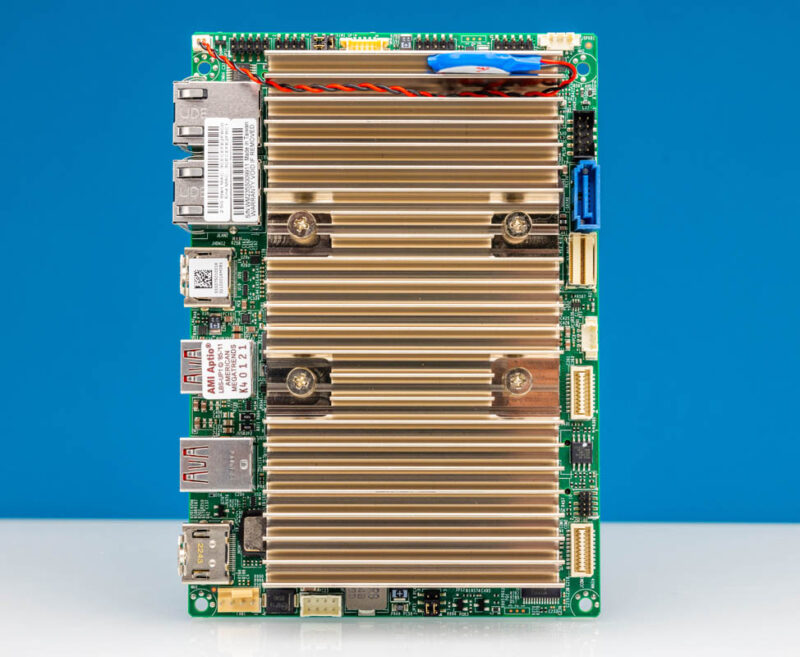
The onboard CPU is the Intel Core i7-1265UE, a 10-core, 12-thread processor with Intel Iris XE graphics.
As a quick note, while this motherboard has a heatsink, there are other options. There is also a -WOHS version of this motherboard which stands for without heatsink. That is often used in conjunction with a chassis that can dissipate heat.
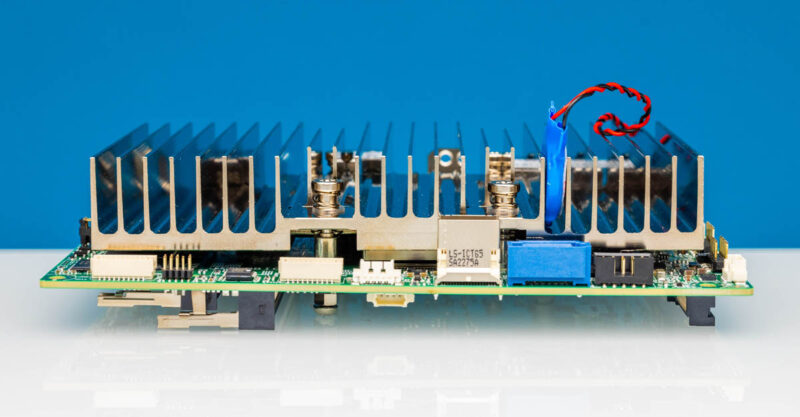
Starting at the front of the board, we have a 7-pin SATA connector, so you can connect a hard drive to this board. There is also a SlimSAS x4 connector for PCIe Gen4 x4 connectivity if you want to connect something like a NVMe SSD. This front edge also has audio connectivity just above the SATA port and two dual-port COM headers in white.
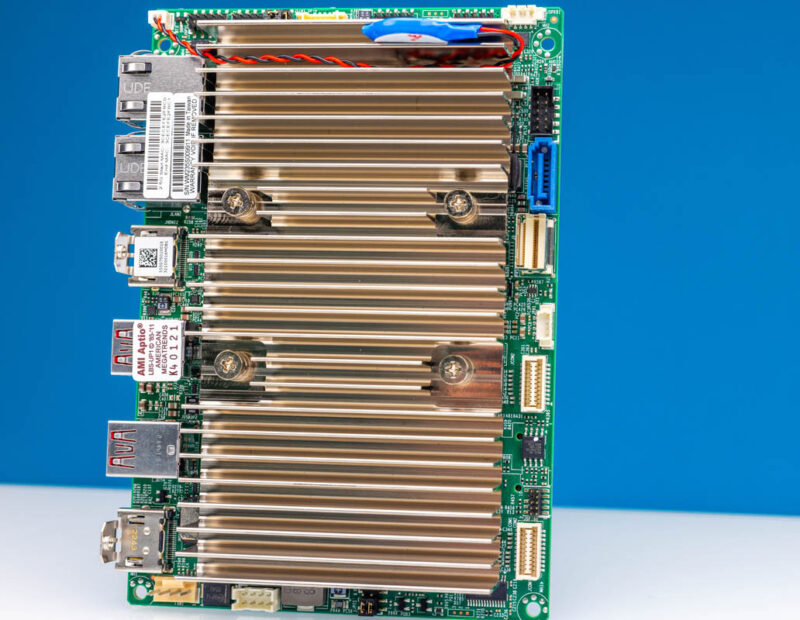
The top of the motherboard has things like our front panel control and USB headers.
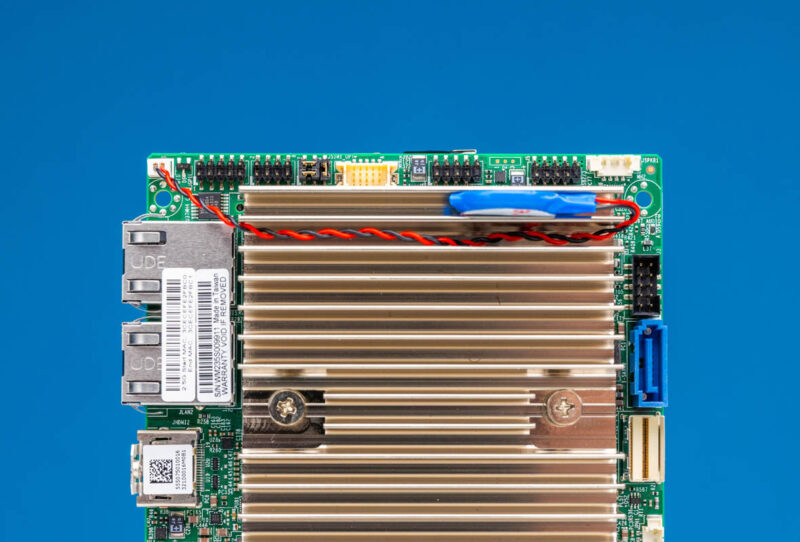
The bottom has a 4-pin PWM fan header which can be useful, as well as the DC power input. Power input is rated at 12V-24V. That connector has a special cable to go to DC barrel jacks that can be challenging to source.
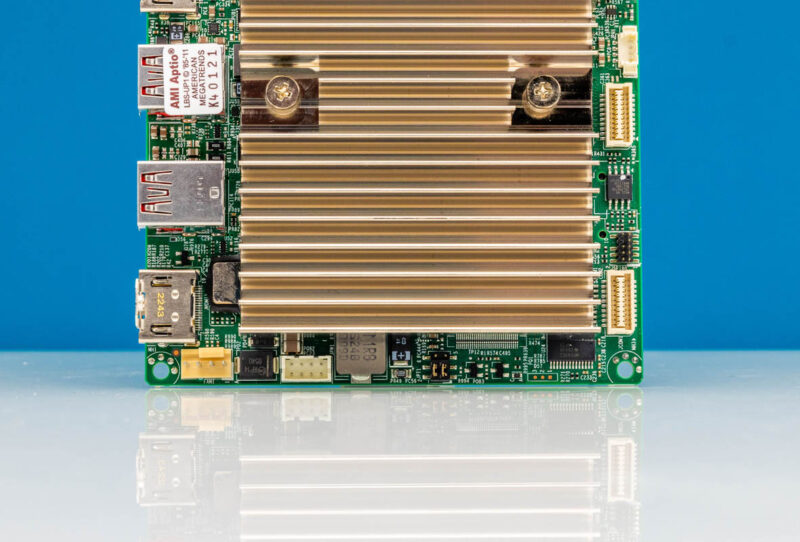
The rear I/O is plentiful. There are two 2.5GbE ports. These are Intel i225-IT ports for industrial temperature ranges. There are two HDMI ports. The right one is a HDMI 2.0b and the left is HDMI 1.4b.
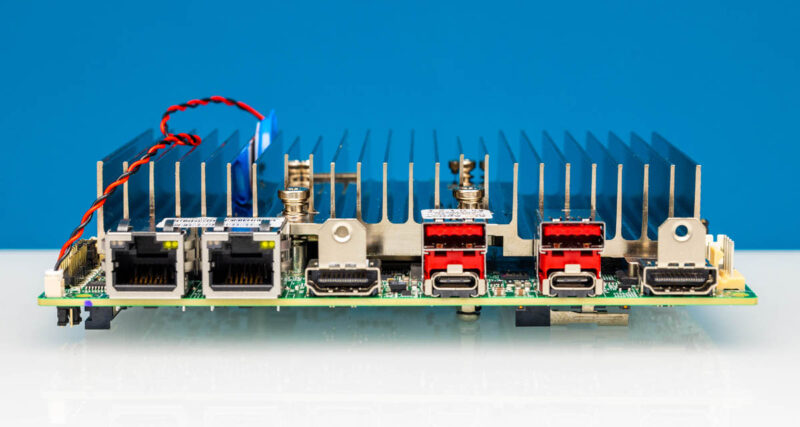
On the USB side, there are two USB 3.2 Gen2 10Gbps Type-A ports and two Type-C ports. Those Type-C ports can also act as display outputs so this little PC can power four display outputs.
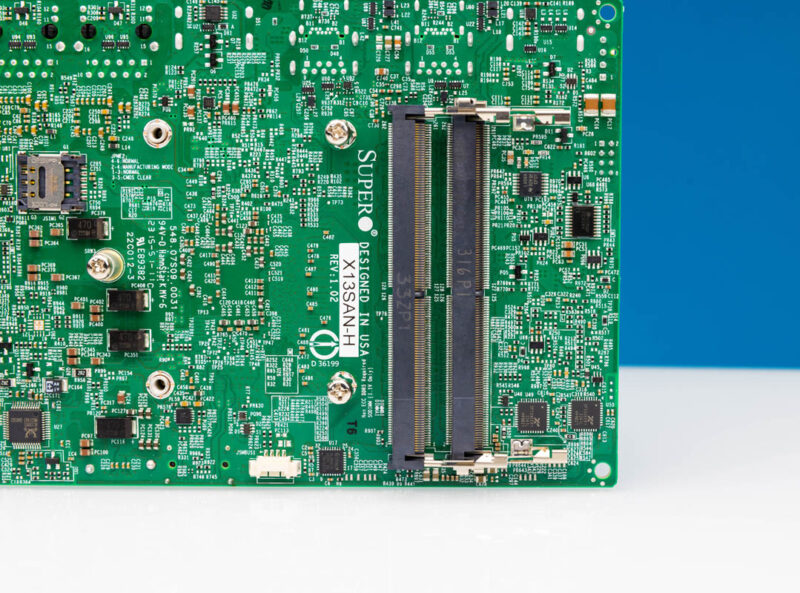
Flipping the system over, we can see our M.2 and DDR5 expansion.
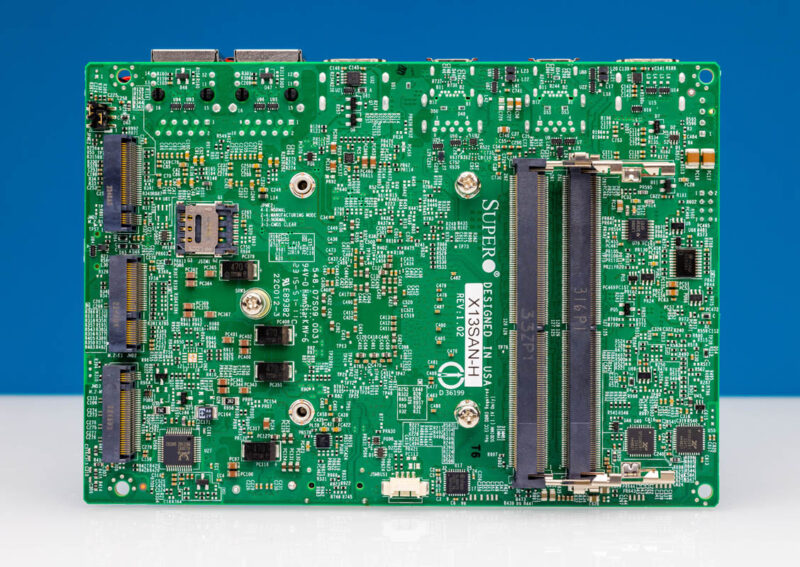
On the M.2 side, there are three slots. these three slots one can remember by BEM because the top is a M.2 B-key, the middle is a E-key, and the bottom is M-keyed. That bottom slot is for PCIe Gen4 NVMe SSDs. The middle is mostly going to be used for WiFi with M.2 2230 cards. The top is interesting because it has connectivity for low-speed storage but also things like a 5G LTE modem. There is a nano-SIM card slot underneath for that.
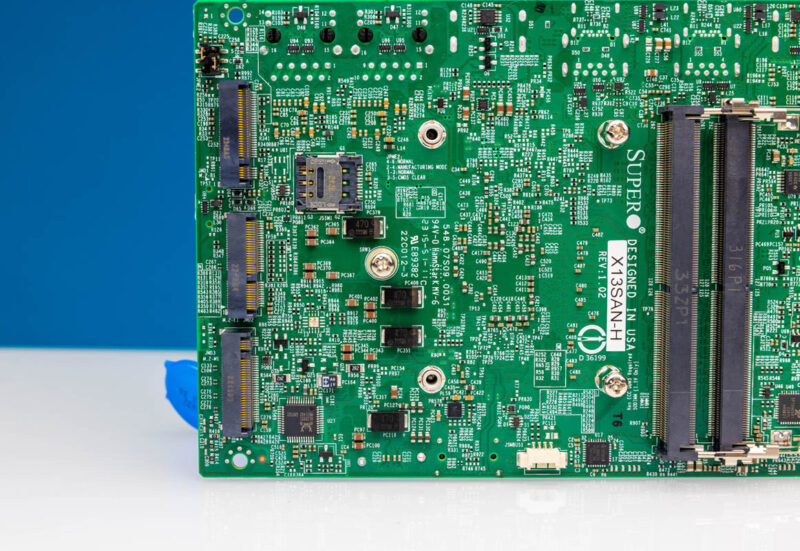
Next to that are two DDR5 slots. We are using 2x 16GB DDR5-4800 DIMMs in this system for a total of 32GB, but one could put 64GB in this system easily.
Overall, this is a very compact little platform.
Comments