
Today we have a sort-of bonus review or mini-review. I was chatting with Patrick and mentioned that I was putting a system together based on the Supermicro X13SAE-F, and he remarked that STH had never managed to lay hands on one. Well, I was not one to let that stand, so out came my camera and I basically just took some pictures and notes as I went about building the server I was already working on. The result is this review, which will not be super in-depth as I needed to get the server built and in production relatively quickly, but I still think there will be enough interest in the X13SAE-F to warrant a bit of coverage. We also reviewed a previous version of the Supermicro X12SAE so it seemed like it was one we had to look at.
Supermicro X13SAE-F Hardware Overview
The Supermicro X13SAE-F is an ATX motherboard measuring 12” x 9.6” and a feature set straddling the line between the workstation and server. It sports an Intel LGA-1700 (H5) socket, which will accept 12th-generation Core i3/i5/i7/i9 CPUs. This board is powered by Intel’s W680 chipset, which is their workstation variant of the Z690 consumer chipset. Support for the 13th-generation CPUs is enabled via a BIOS update, but buyers should be aware that a 12th-generation CPU is required to run the update since this board cannot perform BIOS updates via the BMC.
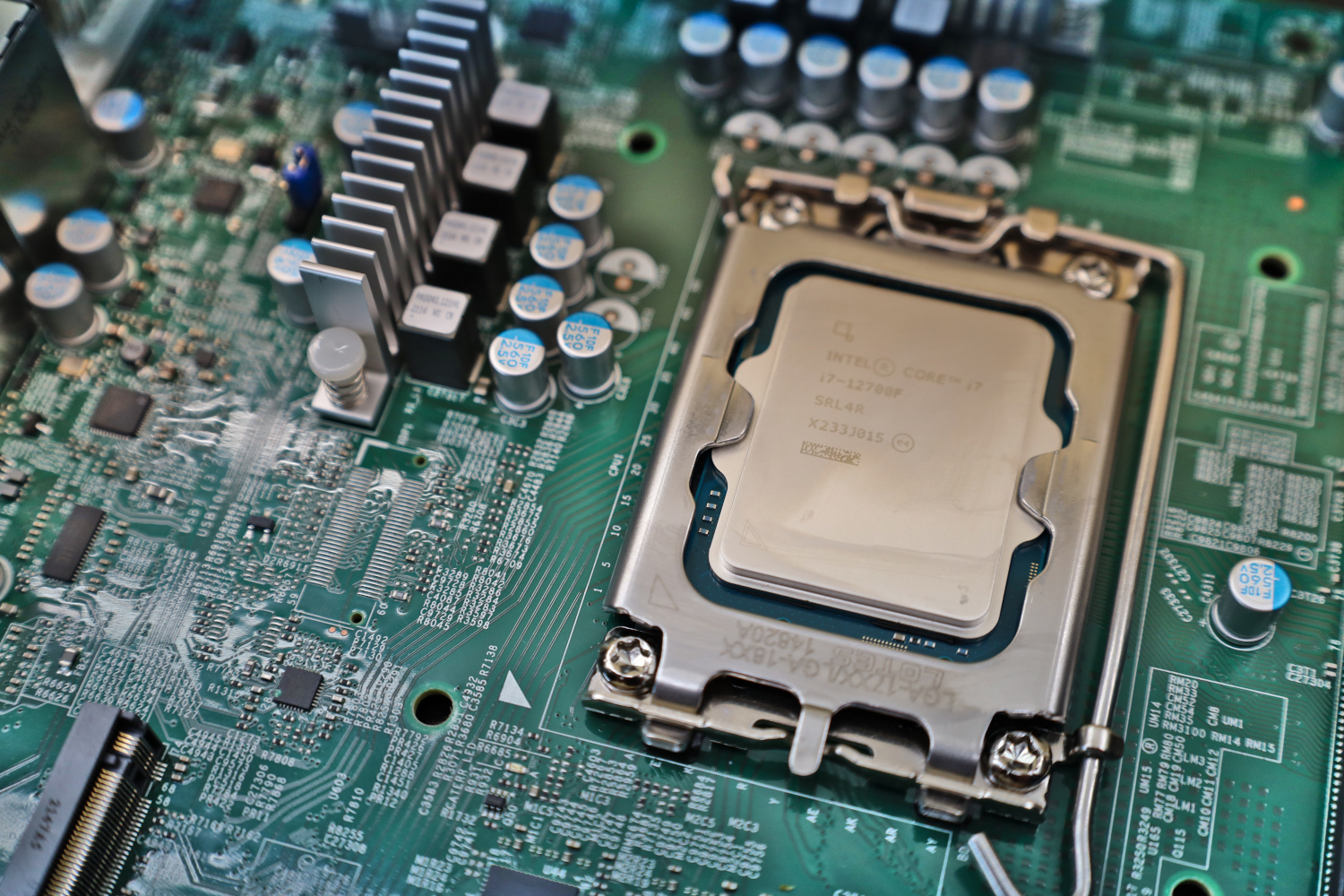
The combination of the W680 and Core series CPUs presents a bit of an interesting situation when it comes to memory support. ECC support is peppered in and out of the Core series, supported seemingly at random on some models and not on others, but only when paired with the W680 chipset. Support for ECC memory can seem very arbitrary. For example, the Core i7-12700 supports ECC memory while the Core i7-12700F does not. As you can see from my pictures, my system is getting the i7-12700F and will not be paired with ECC RAM.
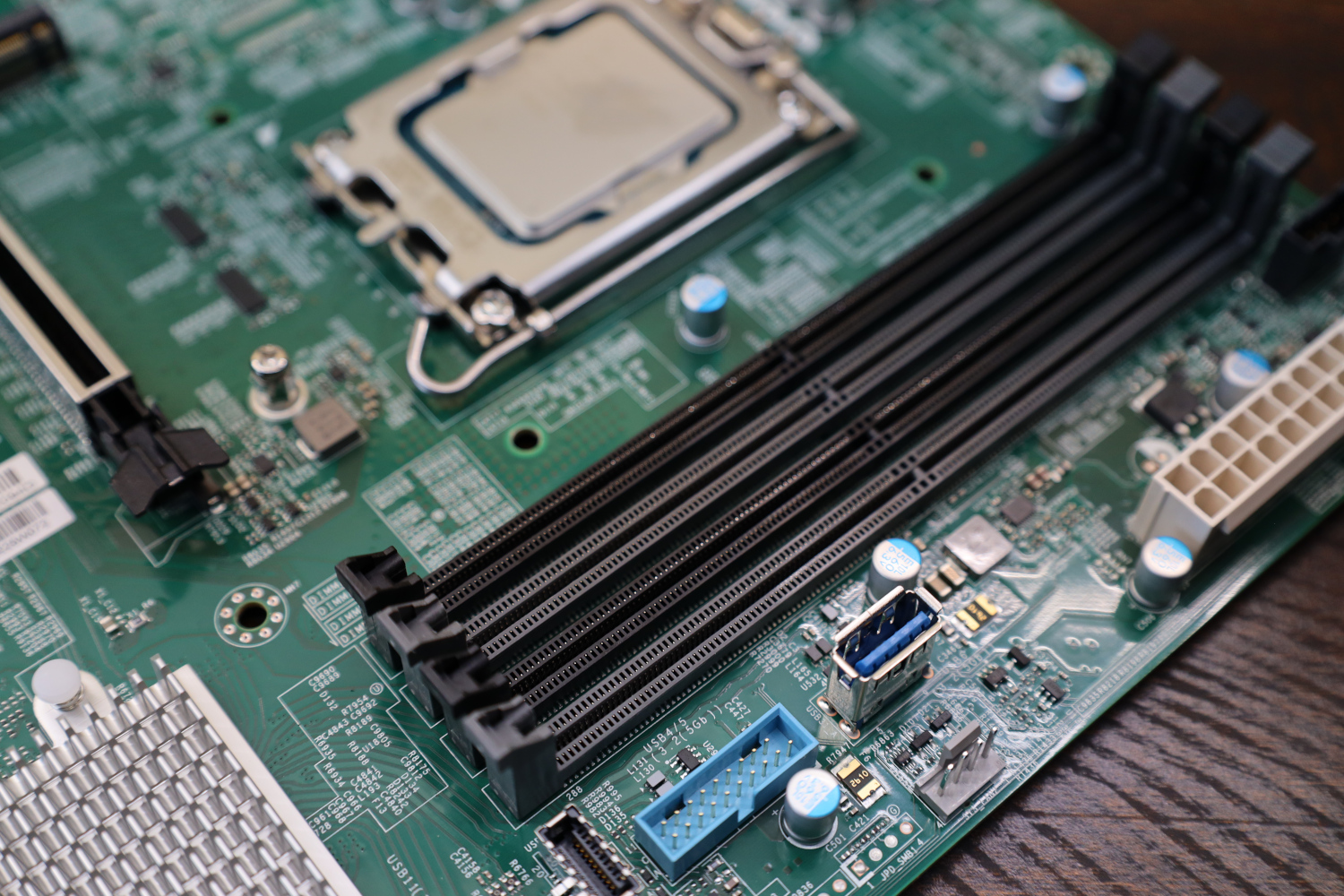
Speaking of memory, the X13SAE-F uses ECC or non-ECC DDR5 RAM at speeds up to 4400 MHz. Memory support is currently limited to 4x 32GB or 128GB of total memory, though it is possible that the system might eventually support more if 64GB unbuffered DDR5 DIMMs are ever released.
I will also make note of a conversation had between Patrick and myself regarding the state of DDR5 and ECC memory. All DDR5 memory has on-die ECC support, meaning each of the individual DDR5 memory packages has internal ECC. The on-die ECC does not provide an equivalent level of protection as a fully implemented ECC solution from the memory controller through to actual ECC RAM that includes a dedicated parity package. With that said, I am of the opinion that “some ECC is better than no ECC” as well as that, currently, the argument is almost completely moot because ECC DDR5 UDIMMs are functionally absent from the market. This might be a topic to revisit after the market matures a bit.
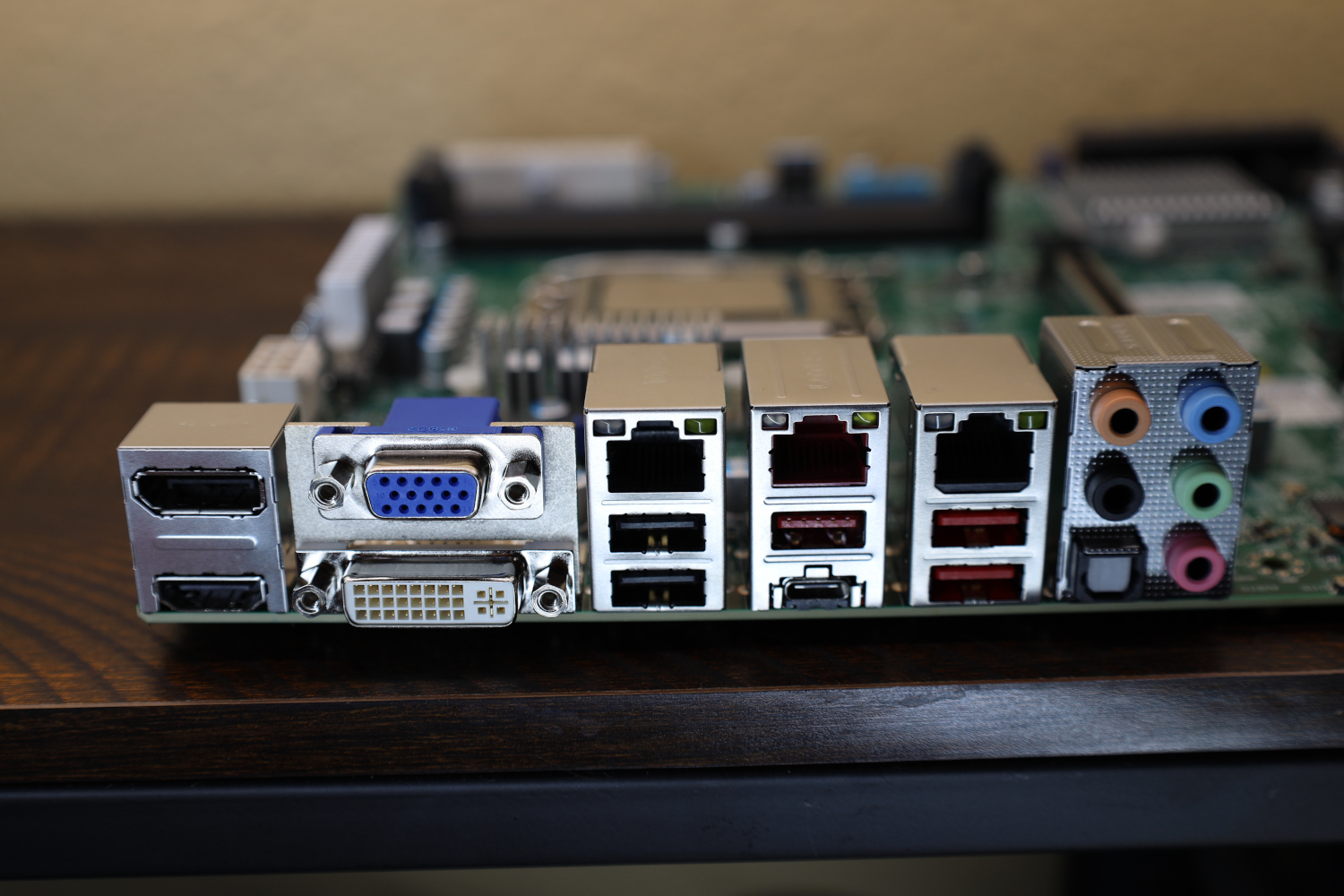
Rear I/O on the X13SAE-F definitely looks more workstation than a server, with a full complement of display and audio outputs, along with more USB ports than most servers. The RJ45 network ports are interesting as well, with a dedicated BMC NIC along with both an Intel i219-LM 1 GbE port as well as an i225-LM 2.5 GbE port.
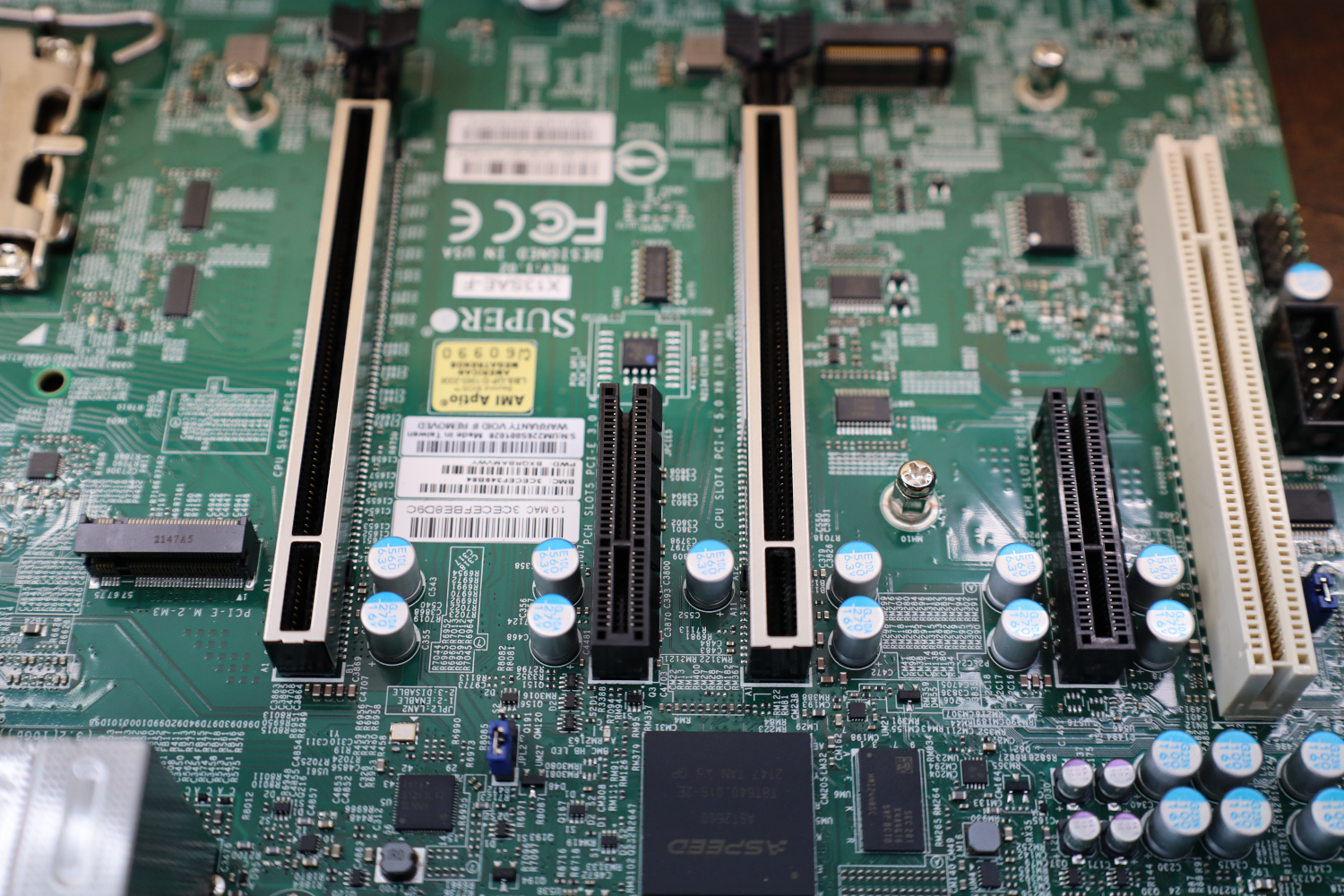
PCIe slot connectivity on the X13SAE-F is pretty good, with dual PCIe x16 5.0 slots capable of operating as x16/x0 or x8/x8. Between them are a pair of open-ended PCIe 3.0 x4 slots, and a lone old-school PCI slot at the end for even the oldest legacy add-in cards.
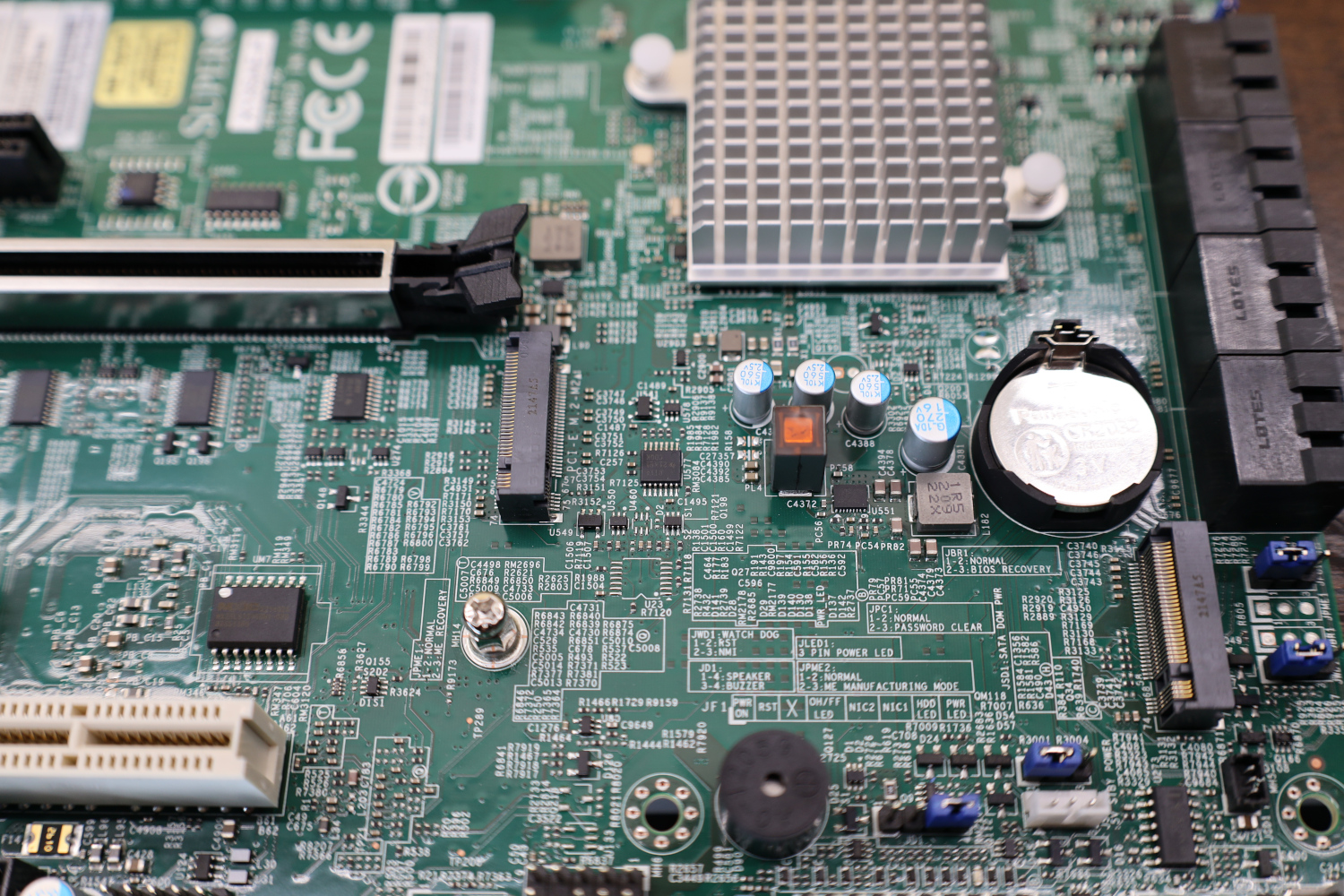
Storage connectivity is pretty good as well, with a trio of PCIe 4.0 x4 M.2 slots and 8x SATA ports on the board. Notably absent on this board, and again a nod that it is intended more for workstations than for servers, are any powered SATA DOM ports. With that said, there is an internal USB header that can be used for USB booting a hypervisor if that is your preference, or any number of the M.2 ports can also be used.
Comments